Overview
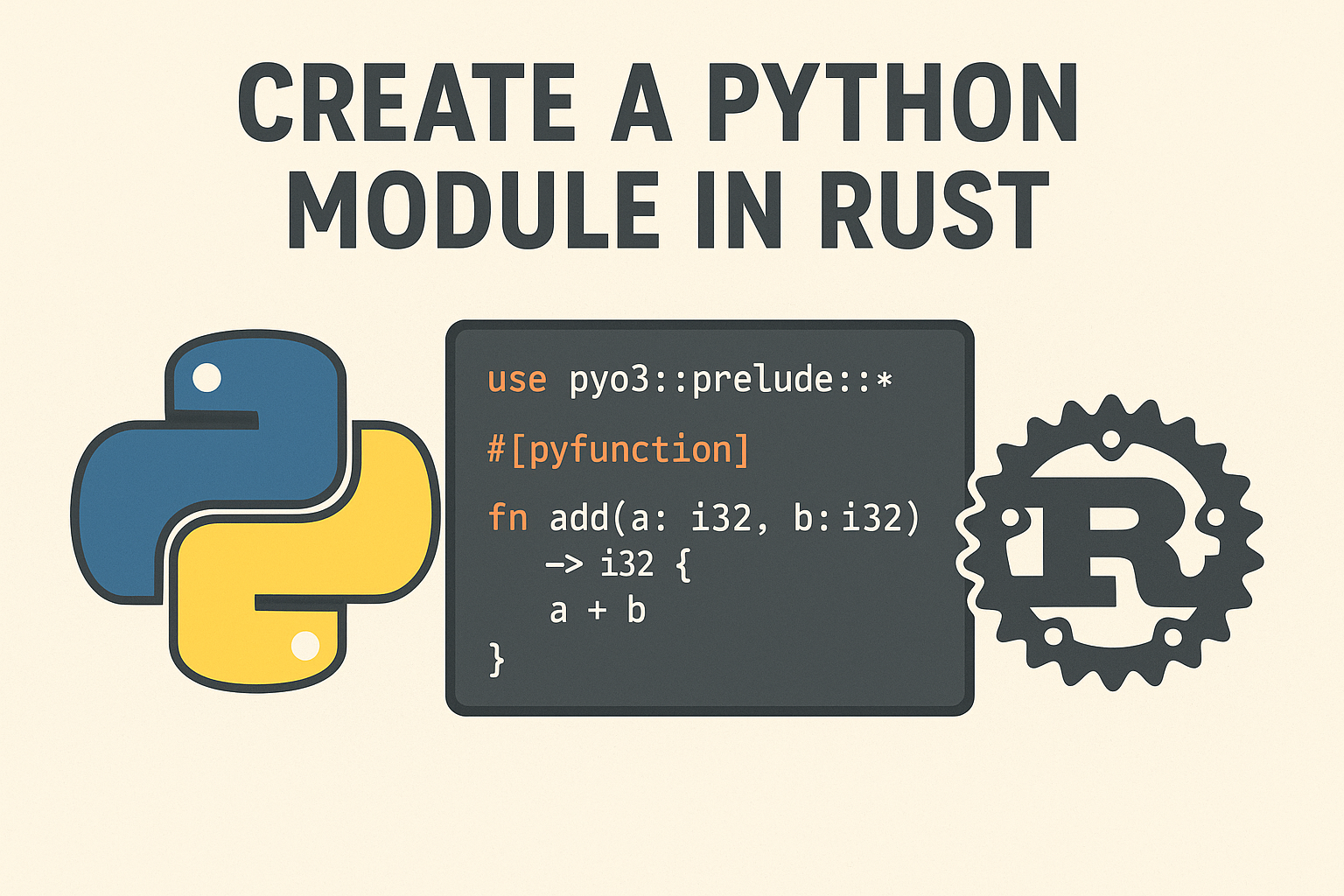
This guide covers creating Python packages with Rust backends using PyO3 and maturin. This approach combines Rust’s performance and safety with Python’s ecosystem accessibility.
- Performance: Rust provides near C-level performance
- Safety: Memory safety without garbage collection
- Ecosystem: Access to Python’s vast library ecosystem
- Maintainability: Rust’s type system catches many bugs at compile time
Prerequisites
Before starting, ensure you have:
- Python 3.7+ installed
- Rust toolchain installed (rustup recommended)
- Basic knowledge of both Python and Rust
You can install Rust from rustup.rs if you haven’t already.
Installation
First, install the required tools:
# Install maturin (build tool for Rust-based Python extensions)
pip install maturin

# Install PyO3 CLI (optional but helpful)
pip install pyo3-pack
Project Setup
Initialize the Project
# Create a new directory
mkdir my-rust-python-package
cd my-rust-python-package

# Initialize with maturin
maturin init --bindings pyo3
This creates the basic structure:
Project Structure
my-rust-python-package/
├── Cargo.toml
├── pyproject.toml
├── src/
│   └── lib.rs
└── python/
    └── my_rust_python_package/
        └── __init__.py
Configure Cargo.toml
Cargo.toml
[package]
name = "my-rust-python-package"
version = "0.1.0"
edition = "2021"

[lib]
name = "my_rust_python_package"
crate-type = ["cdylib"]

[dependencies]
pyo3 = { version = "0.20", features = ["extension-module"] }

[build-system]
requires = ["maturin>=1.0,<2.0"]
build-backend = "maturin"

[project]
name = "my-rust-python-package"
requires-python = ">=3.7"
classifiers = [
    "Programming Language :: Rust",
    "Programming Language :: Python :: Implementation :: CPython",
    "Programming Language :: Python :: Implementation :: PyPy",
]
Configure pyproject.toml
pyproject.toml
[build-system]
requires = ["maturin>=1.0,<2.0"]
build-backend = "maturin"

[project]
name = "my-rust-python-package"
version = "0.1.0"
description = "A Python package written in Rust"
authors = ["Your Name <your.email@example.com>"]
requires-python = ">=3.7"
classifiers = [
    "Development Status :: 4 - Beta",
    "Intended Audience :: Developers",
    "License :: OSI Approved :: MIT License",
    "Programming Language :: Python :: 3",
    "Programming Language :: Rust",
]

[tool.maturin]
features = ["pyo3/extension-module"]
Writing Rust Code
Basic Function Example
Edit src/lib.rs:
src/lib.rs
use pyo3::prelude::*;

/// Formats the sum of two numbers as string.
#[pyfunction]
fn sum_as_string(a: usize, b: usize) -> PyResult<String> {
    Ok((a + b).to_string())
}

/// A simple example function that multiplies two numbers
#[pyfunction]
fn multiply(a: f64, b: f64) -> f64 {
    a * b
}

/// Fast Fibonacci calculation
#[pyfunction]
fn fibonacci(n: u64) -> u64 {
    match n {
        0 => 0,
        1 => 1,
        _ => {
            let mut a = 0;
            let mut b = 1;
            for _ in 2..=n {
                let temp = a + b;
                a = b;
                b = temp;
            }
            b
        }
    }
}

/// A Python module implemented in Rust.
#[pymodule]
fn my_rust_python_package(_py: Python, m: &PyModule) -> PyResult<()> {
    m.add_function(wrap_pyfunction!(sum_as_string, m)?)?;
    m.add_function(wrap_pyfunction!(multiply, m)?)?;
    m.add_function(wrap_pyfunction!(fibonacci, m)?)?;
    Ok(())
}#[pyfunction]: Exposes a Rust function to Python#[pymodule]: Creates a Python module from Rust codePyResult<T>: Standard return type for functions that can fail
Working with Python Objects
Working with Python Objects
use pyo3::prelude::*;
use pyo3::types::{PyDict, PyList};

/// Process a Python list of numbers
#[pyfunction]
fn process_list(py: Python, list: &PyList) -> PyResult<Vec<f64>> {
    let mut result = Vec::new();
    for item in list {
        let num: f64 = item.extract()?;
        result.push(num * 2.0);
    }
    Ok(result)
}

/// Work with Python dictionaries
#[pyfunction]
fn process_dict(dict: &PyDict) -> PyResult<f64> {
    let mut sum = 0.0;
    for (key, value) in dict {
        let key_str: String = key.extract()?;
        if key_str.starts_with("num_") {
            let val: f64 = value.extract()?;
            sum += val;
        }
    }
    Ok(sum)
}
Creating Python Classes
Python Classes in Rust
use pyo3::prelude::*;

#[pyclass]
struct Counter {
    value: i64,
}

#[pymethods]
impl Counter {
    #[new]
    fn new(initial_value: Option<i64>) -> Self {
        Counter {
            value: initial_value.unwrap_or(0),
        }
    }

    fn increment(&mut self) {
        self.value += 1;
    }

    fn decrement(&mut self) {
        self.value -= 1;
    }

    #[getter]
    fn value(&self) -> i64 {
        self.value
    }

    #[setter]
    fn set_value(&mut self, value: i64) {
        self.value = value;
    }

    fn __str__(&self) -> String {
        format!("Counter({})", self.value)
    }
}

// Add to your module function:
// m.add_class::<Counter>()?;#[pyclass]: Makes a Rust struct available as a Python class#[pymethods]: Groups methods for a Python class#[new]: Constructor method#[getter]/#[setter]: Property accessors
Error Handling
Error Handling
use pyo3::prelude::*;
use pyo3::exceptions::PyValueError;

#[pyfunction]
fn divide(a: f64, b: f64) -> PyResult<f64> {
    if b == 0.0 {
        Err(PyValueError::new_err("Cannot divide by zero"))
    } else {
        Ok(a / b)
    }
}

// Custom exception
use pyo3::create_exception;

create_exception!(my_rust_python_package, CustomError, pyo3::exceptions::PyException);

#[pyfunction]
fn might_fail(should_fail: bool) -> PyResult<String> {
    if should_fail {
        Err(CustomError::new_err("Something went wrong!"))
    } else {
        Ok("Success!".to_string())
    }
}
Building and Testing
Development Build
# Build the package in development mode
maturin develop

# Or with debug symbols
maturin develop --release- Development builds are faster to compile but slower to run
- Release builds are optimized for performance
- Use development builds during iteration, release builds for benchmarking
Production Build
# Build wheel for current platform
maturin build --release

# Build for multiple platforms (requires cross-compilation setup)
maturin build --release --target x86_64-unknown-linux-gnu
Testing the Package
Create a test script test_package.py:
test_package.py
import my_rust_python_package as pkg

# Test basic functions
print(pkg.sum_as_string(5, 20))  # "25"
print(pkg.multiply(3.5, 2.0))    # 7.0
print(pkg.fibonacci(10))         # 55

# Test class
counter = pkg.Counter(10)
counter.increment()
print(counter.value)  # 11
print(str(counter))   # "Counter(11)"

# Test error handling
try:
    pkg.divide(10, 0)
except ValueError as e:
    print(f"Caught error: {e}")
Python Integration
Package Initialization
Edit python/my_rust_python_package/__init__.py:
python/my_rust_python_package/__init__.py
from .my_rust_python_package import *

__version__ = "0.1.0"
__author__ = "Your Name"

# You can add pure Python code here too
def python_helper_function(data):
    """A helper function written in Python."""
    return [fibonacci(x) for x in data if x > 0]
Type Hints
Create python/my_rust_python_package/__init__.pyi:
python/my_rust_python_package/__init__.pyi
from typing import List, Dict, Any, Optional

def sum_as_string(a: int, b: int) -> str: ...
def multiply(a: float, b: float) -> float: ...
def fibonacci(n: int) -> int: ...
def process_list(lst: List[float]) -> List[float]: ...
def process_dict(d: Dict[str, Any]) -> float: ...
def divide(a: float, b: float) -> float: ...

class Counter:
    def __init__(self, initial_value: Optional[int] = None) -> None: ...
    def increment(self) -> None: ...
    def decrement(self) -> None: ...
    @property
    def value(self) -> int: ...
    @value.setter
    def value(self, value: int) -> None: ...
    def __str__(self) -> str: ...

class CustomError(Exception): ...Type stub files (.pyi) provide type information for Python tooling like mypy, IDEs, and static analysis tools. They’re crucial for a good developer experience.
Performance Optimization
Using Rust’s Parallel Processing
Add to Cargo.toml:
Cargo.toml - Add Rayon
[dependencies]
rayon = "1.7"
Parallel Processing
use rayon::prelude::*;

#[pyfunction]
fn parallel_sum(numbers: Vec<f64>) -> f64 {
    numbers.par_iter().sum()
}

#[pyfunction]
fn parallel_fibonacci(numbers: Vec<u64>) -> Vec<u64> {
    numbers.par_iter().map(|&n| fibonacci(n)).collect()
}
Memory-Efficient Operations
NumPy Integration
use pyo3::prelude::*;
use numpy::{PyArray1, PyReadonlyArray1};

// Add numpy to Cargo.toml: numpy = "0.20"
#[pyfunction]
fn numpy_operation<'py>(
    py: Python<'py>,
    array: PyReadonlyArray1<f64>,
) -> &'py PyArray1<f64> {
    let input = array.as_array();
    let result: Vec<f64> = input.iter().map(|&x| x * x).collect();
    PyArray1::from_vec(py, result)
}
Distribution and Publishing
Building Wheels
# Build for current platform
maturin build --release

# Build for multiple platforms using cibuildwheel
pip install cibuildwheel
cibuildwheel --platform linux
GitHub Actions CI/CD
Create .github/workflows/ci.yml:
.github/workflows/ci.yml
name: CI

on:
  push:
  pull_request:

jobs:
  test:
    runs-on: ${{ matrix.os }}
    strategy:
      matrix:
        os: [ubuntu-latest, windows-latest, macos-latest]
        python-version: ['3.8', '3.9', '3.10', '3.11']

    steps:
    - uses: actions/checkout@v4
    - uses: actions/setup-python@v4
      with:
        python-version: ${{ matrix.python-version }}
    - uses: dtolnay/rust-toolchain@stable
    - name: Install maturin
      run: pip install maturin pytest
    - name: Build and test
      run: |
        maturin develop
        pytest tests/

  build:
    runs-on: ${{ matrix.os }}
    strategy:
      matrix:
        os: [ubuntu-latest, windows-latest, macos-latest]

    steps:
    - uses: actions/checkout@v4
    - uses: dtolnay/rust-toolchain@stable
    - uses: actions/setup-python@v4
      with:
        python-version: '3.x'
    - name: Build wheels
      run: |
        pip install maturin
        maturin build --release
    - uses: actions/upload-artifact@v3
      with:
        name: wheels
        path: target/wheels
Publishing to PyPI
# Install twine
pip install twine

# Build the package
maturin build --release

# Upload to PyPI
twine upload target/wheels/*- Test your package thoroughly before publishing
- Use semantic versioning
- Include comprehensive documentation
- Test installation on clean environments
Best Practices
1. Error Handling
- Always use
PyResult<T>for functions that might fail - Create custom exceptions for domain-specific errors
- Provide clear error messages
2. Memory Management
- Leverage Rust’s ownership system
- Use
PyReadonlyArrayfor NumPy arrays when possible - Be mindful of GIL (Global Interpreter Lock) implications
3. API Design
- Keep the Rust/Python boundary simple
- Use appropriate Python types (lists, dicts, etc.)
- Provide comprehensive type hints
4. Testing
- Write tests for both Rust and Python code
- Use property-based testing with hypothesis
- Test error conditions thoroughly
5. Documentation
- Document all public functions and classes
- Provide usage examples
- Include performance benchmarks when relevant
Troubleshooting
Common Issues
- Import Errors: Ensure module name in
Cargo.tomlmatches the#[pymodule]name - Build Failures: Check that all dependencies are properly specified
- Type Conversion Errors: Use appropriate PyO3 types for data exchange
- Performance Issues: Profile both Rust and Python code to identify bottlenecks
Debugging
# Build with debug symbols
maturin develop

# Use Python debugger
python -m pdb your_test_script.py

# Rust debugging (with debug build)
RUST_BACKTRACE=1 python your_test_script.py- Use
println!macros in Rust for simple debugging - Python’s
breakpoint()function works well with Rust extensions - Consider using
gdborlldbfor complex debugging scenarios
Conclusion
This guide provides a solid foundation for creating Python packages with Rust backends. The combination offers excellent performance while maintaining Python’s ease of use and ecosystem compatibility.
Key takeaways:
- Setup: Use maturin for seamless Rust-Python integration
- Development: Leverage PyO3’s powerful binding capabilities
- Performance: Utilize Rust’s speed and Python’s ecosystem
- Distribution: Standard Python packaging tools work seamlessly
The Rust-Python ecosystem continues to evolve rapidly, making it an excellent choice for performance-critical Python applications.